



The Meeting Room in a Box
Everything you need for a fast and professional meeting room setup.

One box, one touch.
PushGo bundles the essential tech for a pro-grade meeting room. From unboxing to first meeting in a single afternoon — you bring the room, we bring the rest.
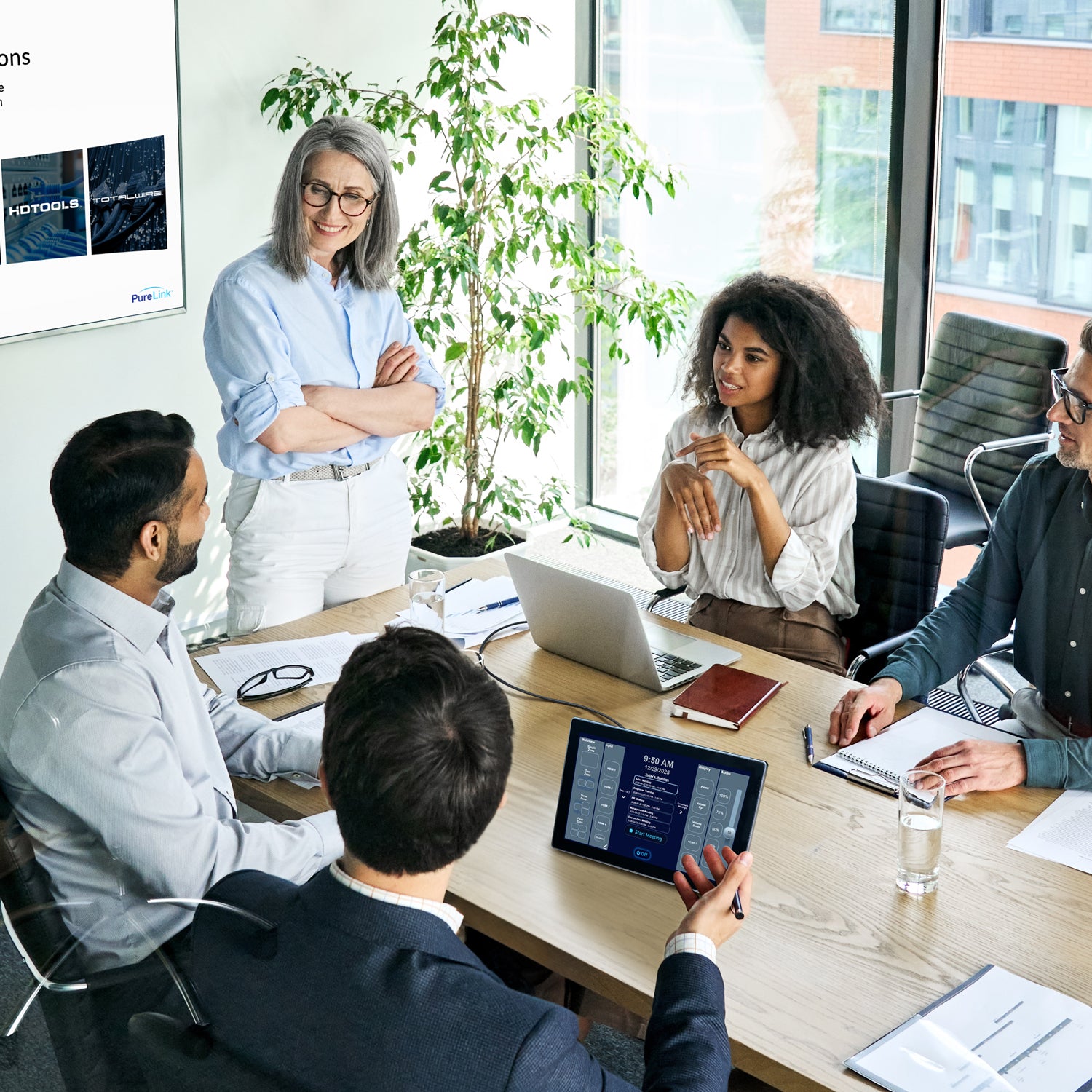
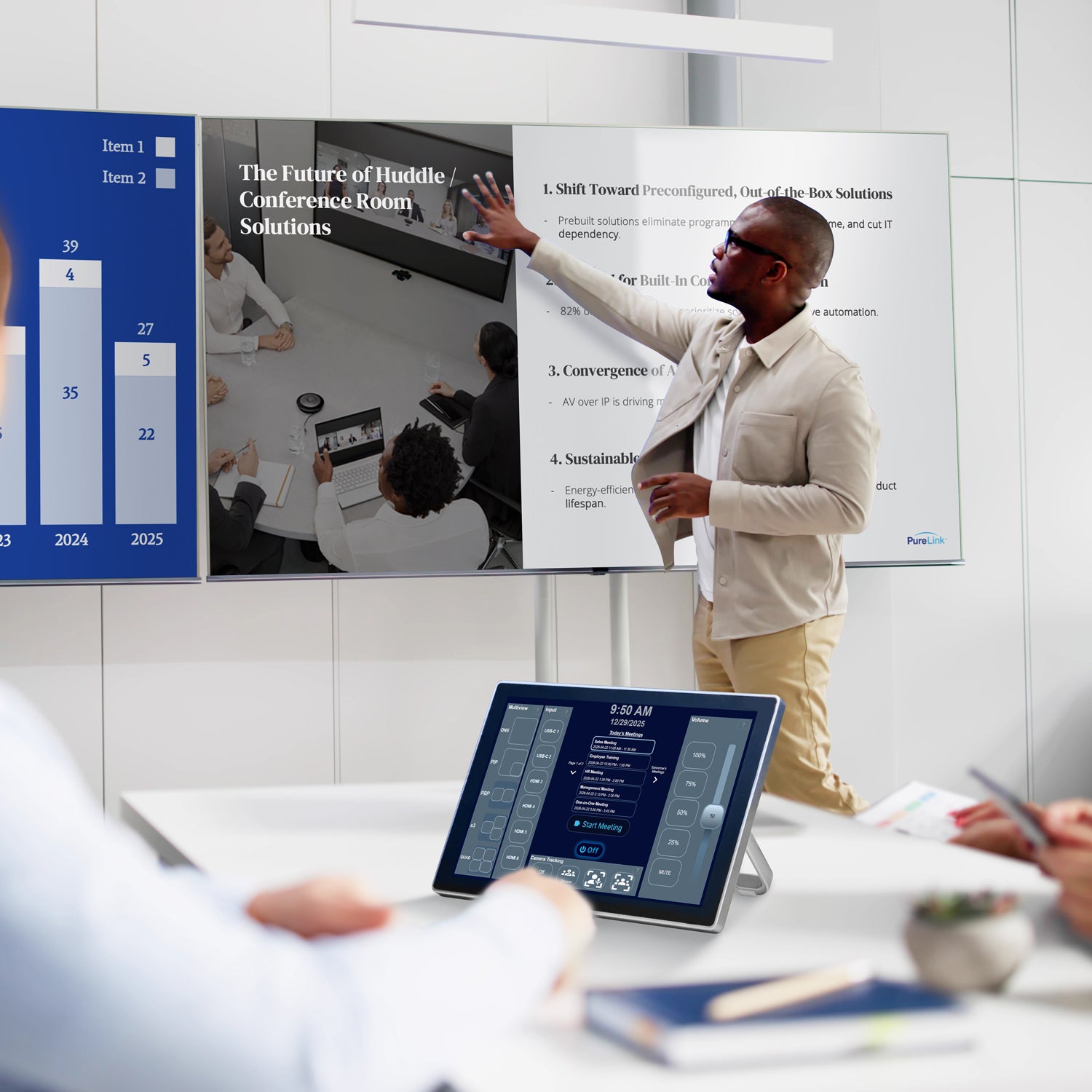
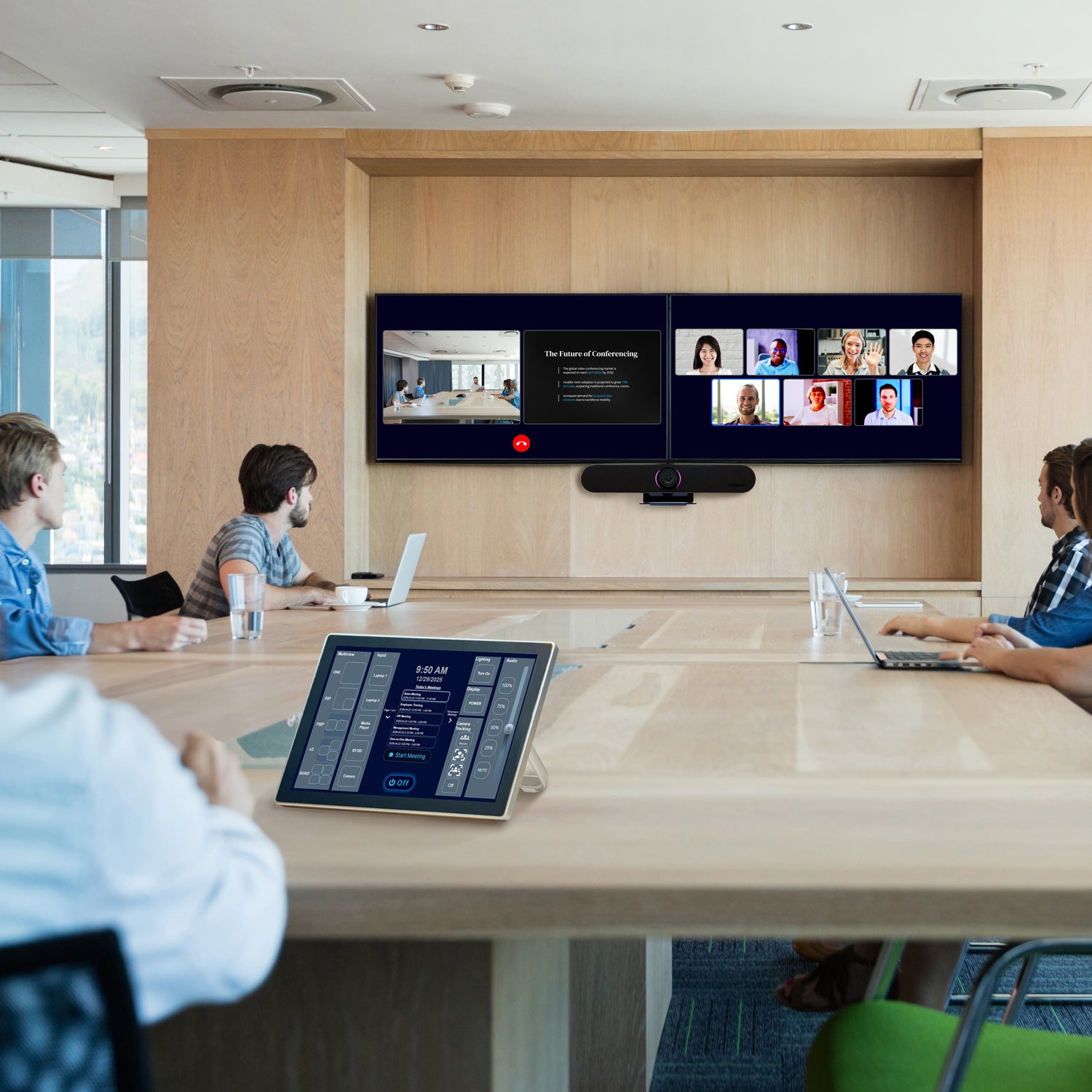
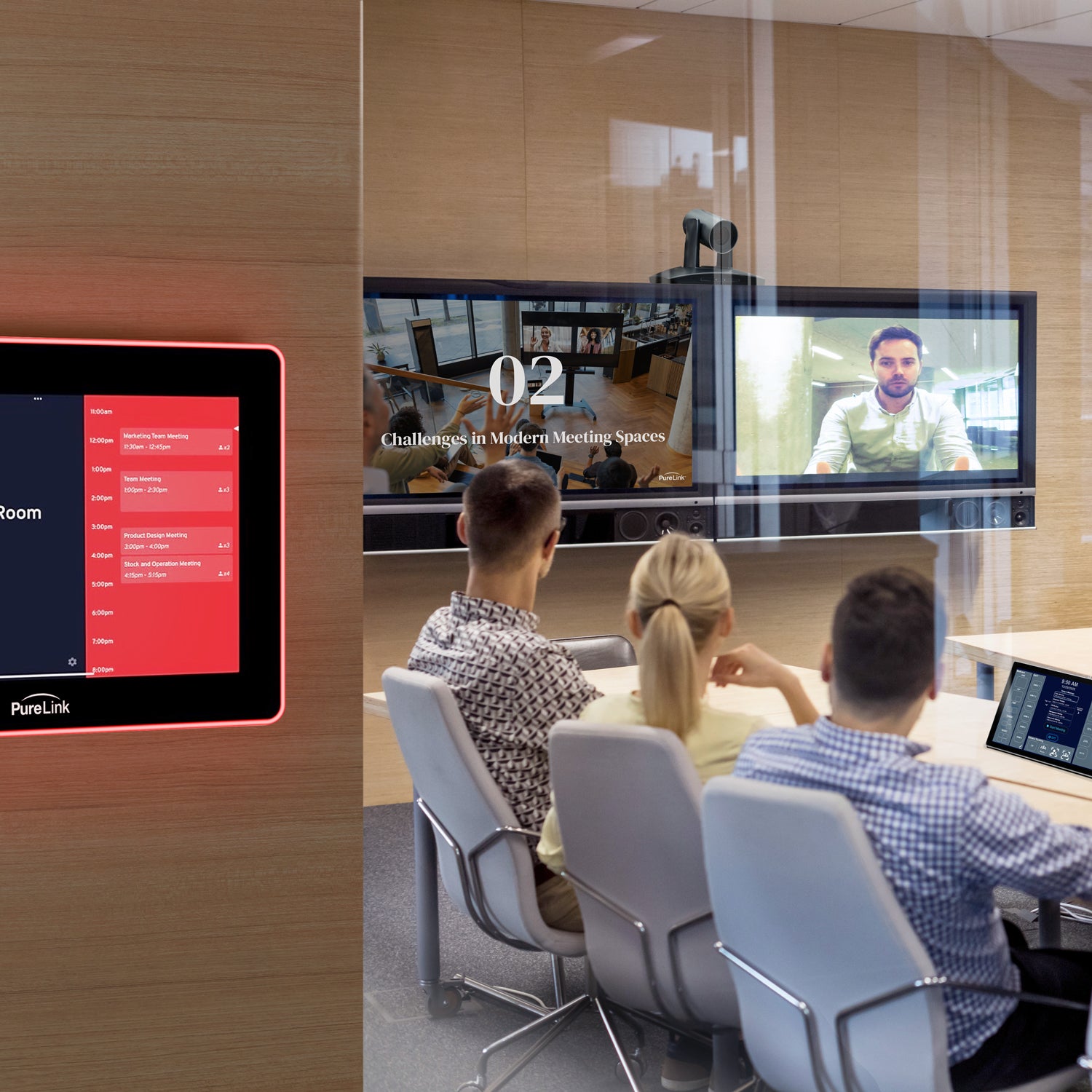
Now with PushGo Meet built in, your meeting schedule appears directly on the touchscreen for an even smoother start to every meeting.
How it Works
1. Choose
Choose a kit by space type & size
2. Receive
Receive everything in one box
3. Set Up
Set up in minutes with step-by-step instructions
4. Enjoy
Enjoy your new premium meeting space
PushGo Kits



Which Kit is Best for You?
 |  |  |  |  | |
|---|---|---|---|---|---|
Best For / Meeting Type |
|
|
|
|
|
Remote Conferencing Compatible with Zoom, Microsoft Teams, Google Meet, & more
|
|
|
|
|
|
Number of In-Room Participants |
|
|
|
|
|
Pre-Programmed Control |
|
|
|
|
|
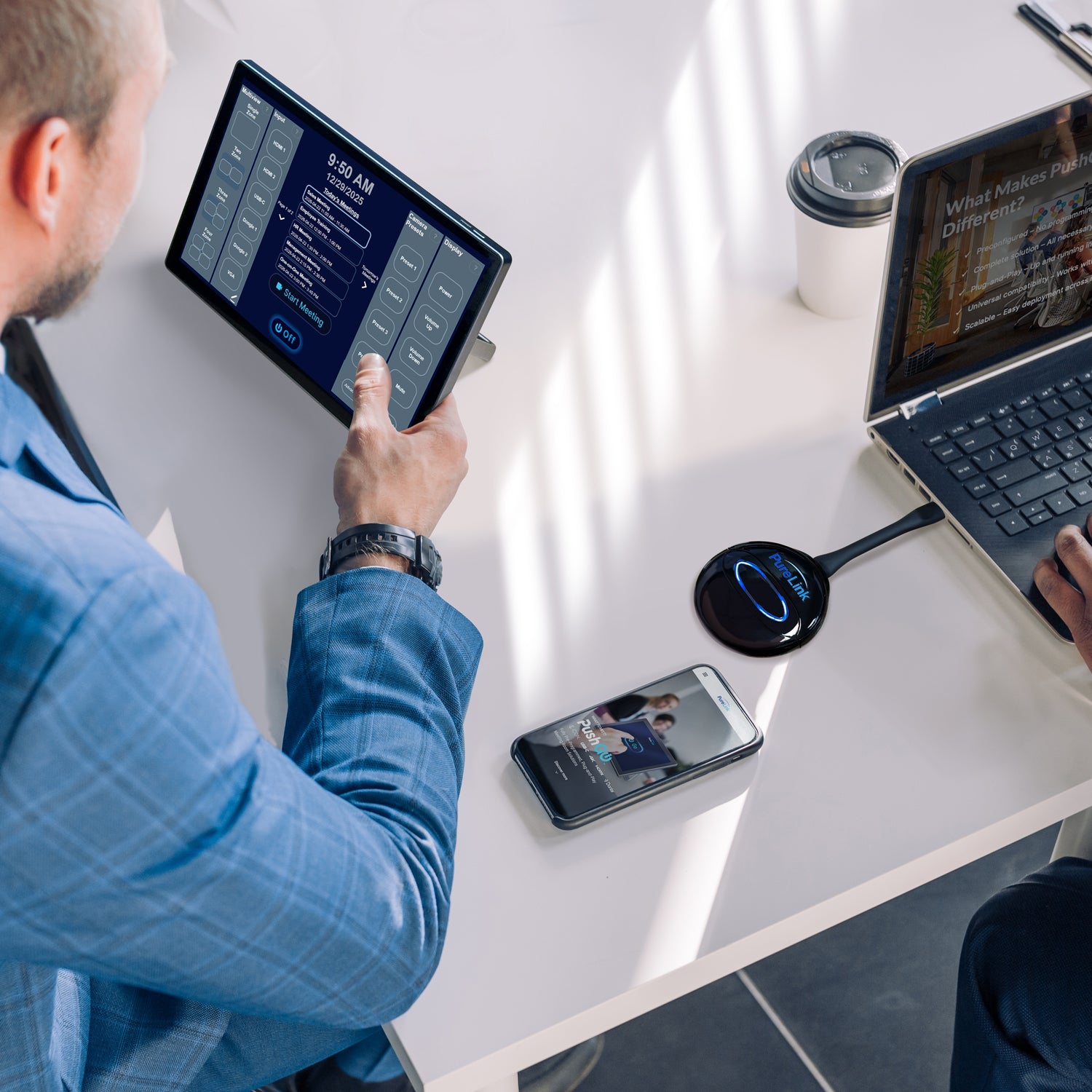
One-Touch Control Start or shut down your entire system with a single touch
|
|
|
|
|
|
PushGo Meet Scheduling View View your room’s calendar on the touchscreen and start meetings with one tap.
|
|
|
|
|
|
Room Scheduling Panel |
|
|
|
|
|
Camera |
|
|
|
|
|
Display |
|
|
|
|
|
Microphone |
|
|
|
|
|
Speakers / Audio |
|
|
|
|
|
Cables & Accessories |
|
|
|
|
|
FAQ
What is PushGo for Meeting Rooms?
PushGo for Meeting Rooms is a complete, professional-grade meeting room system delivered in one box. Each kit includes the essential technology, control, and cabling needed to create a polished, easy-to-use meeting space with fast setup and simple operation.
Which PushGo Meeting Space Kit is right for me?
It depends on your space and how you meet:
- Alta: Simple setup for small, everyday meetings.
- Aspen: Perfect for larger meetings and rooms.
- Vail: All-in-one smart video bar for advanced remote meetings.
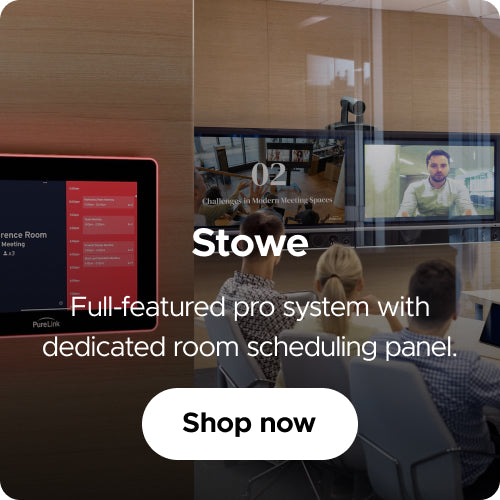
- Stowe: Full-featured pro system with dedicated room scheduling panel.
- Taos: Share any laptop or device, instantly.
What is PushGo Meet?
PushGo Meet is a built-in feature that helps your meeting room stay connected to your schedule. After connecting your Outlook or Google Calendar account, your meetings appear directly on the touchscreen, making it easy to see what’s coming up, start a meeting with one tap, and stay on track throughout the day.
Do I need technical experience to set it up?
No! PushGo is designed for non-technical users. Each kit comes with step-by-step instructions, and the included touch panel lets you start and stop your entire system with one touch.
Do I need to buy my own display, laptop, or speakers?
Yes, you’ll need to provide your own display, laptop, and speakers. Bundl provides everything else you need to connect and get started.
Can I use PushGo with Zoom, Teams, or Google Meet?
Yes! Every PushGo kit works with popular video conferencing platforms including Zoom, Microsoft Teams, and Google Meet.
How long does it take to set up a PushGo system?
Setup time depends on the kit, but PushGo is designed to get your meeting space up and running fast. Some kits can be assembled in as little as 10 minutes, while others may take longer depending on the room and configuration.
Can I expand or upgrade my PushGo setup later?
Yes! Bundl Basics offers optional accessories and add-ons, and our team can help support future expansion as your needs grow.
Is customer support available?
Absolutely. Our team is here to guide you through every step, from choosing the right kit to setup guidance and ongoing support. Visit our Contact Us page to get started.